
Empowering Every Child: The Story Behind Bekhanak, a Joyful Learning App for Special Needs
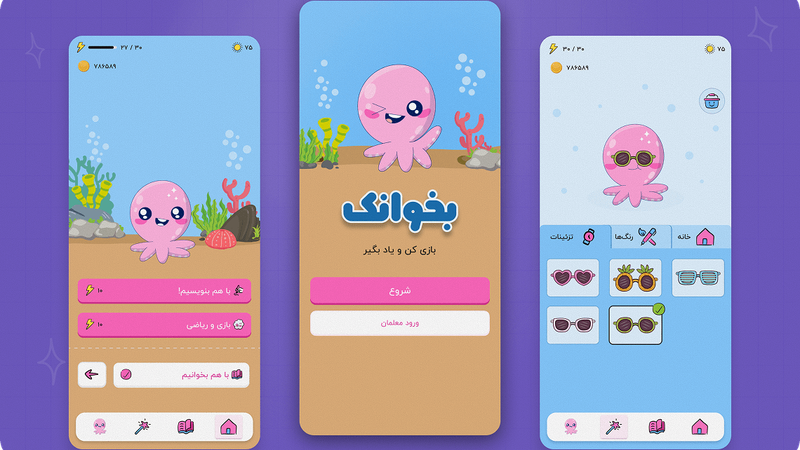
As a teacher and UI/UX designer, I saw how many learning tools failed kids with special needs. They weren’t built for their unique challenges. That’s what inspired me to create Bekhanak: a joyful, accessible app that makes learning easier and more engaging for every child.
Getting Close to the Problem: Grounding the Design in Empathy
I started with empathy. With years of experience teaching kids with special needs, I already knew the basics but this time, I wanted to go deeper. I needed to understand not just what wasn’t working, but why.
So I began my research with three key methods:
Classroom Observation
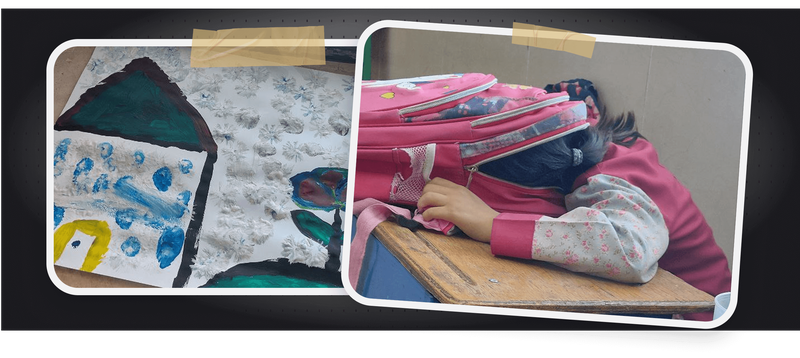
I spent hours simply watching my students—how they reacted to different tasks, when they lost focus, how they used learning tools. These moments told me more than any report could. I saw the struggle to stay engaged, the way anxiety crept in during group work, and the need for repetition in ways that didn’t feel boring.
Interviews
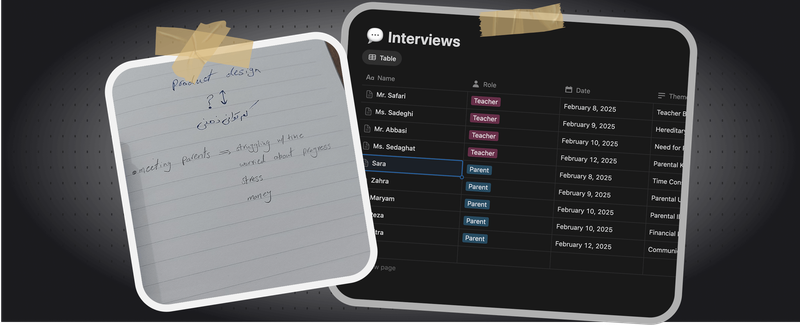
I talked to parents, teachers, and colleagues in both formal and informal ways. From quick chats to long calls, I learned how exhausted everyone was. Teachers were overwhelmed, parents confused, and both felt disconnected from the actual learning process.
Academic Research
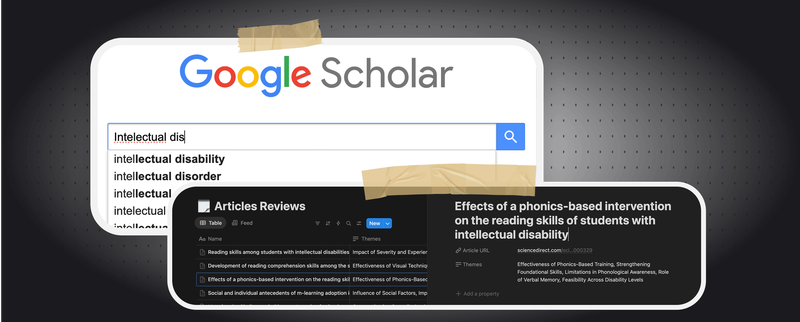
To back up my findings with data, I read papers on assistive technology, gamification, and special education strategies. I also used AI tools like ChatGPT, NotebookLM, and Grok to help me extract insights, generate search keywords, and navigate dense content efficiently. NotebookLM especially helped me dig into PDFs and surface insights I might’ve missed on my own.
Translating Insight Into Action: Voices of the Users
The insights from the empathy phase clearly articulated the core problems. I synthesized my findings into powerful problem statements, giving voice to each user group
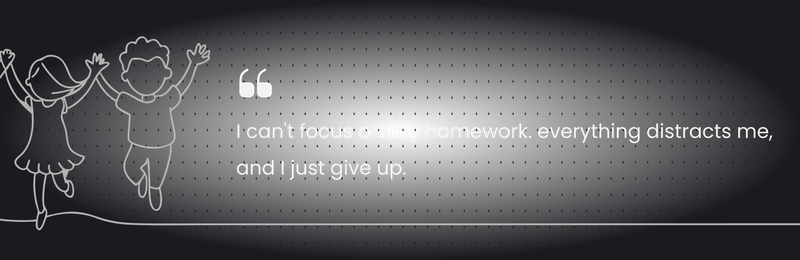
Children often expressed frustration
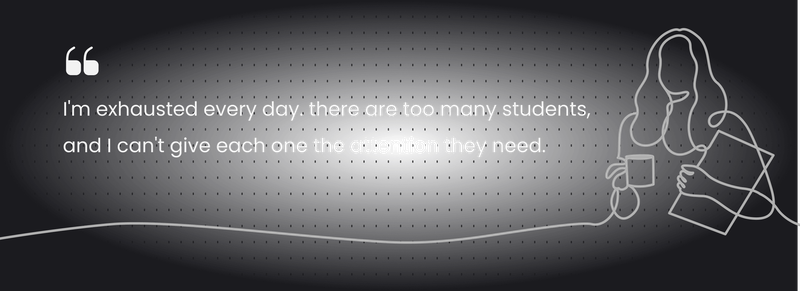
Teachers felt overwhelmed
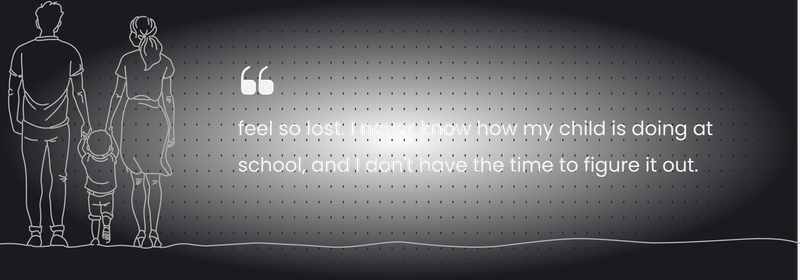
Parents felt disconnected
From Empathy to Innovation: Designing Bekhanak
With a clear understanding of the user's world, I moved into the ideation and prototyping phases, ensuring every feature directly addressed the identified pain points and needs.
For the Students
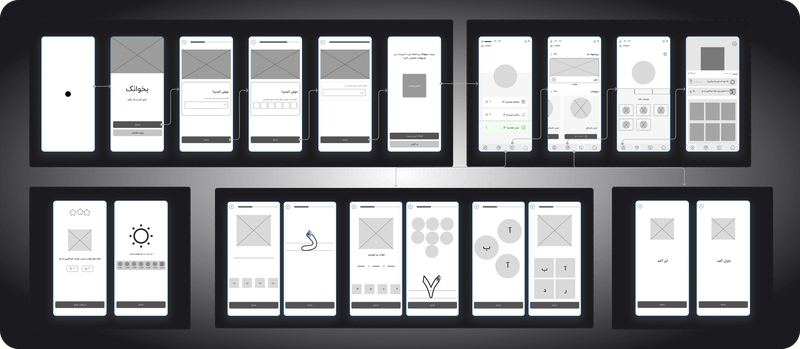
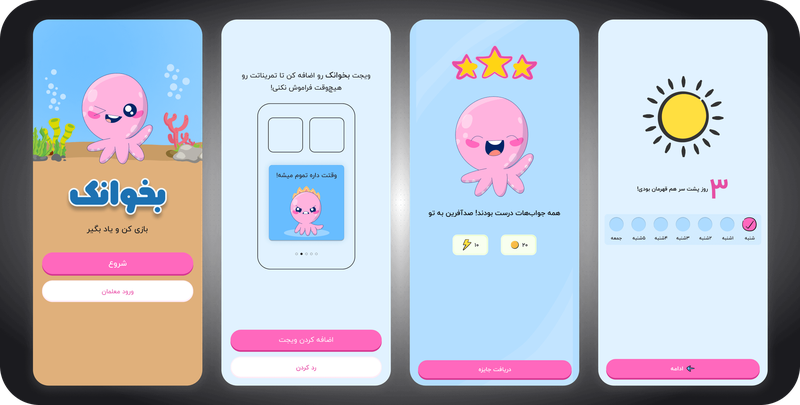
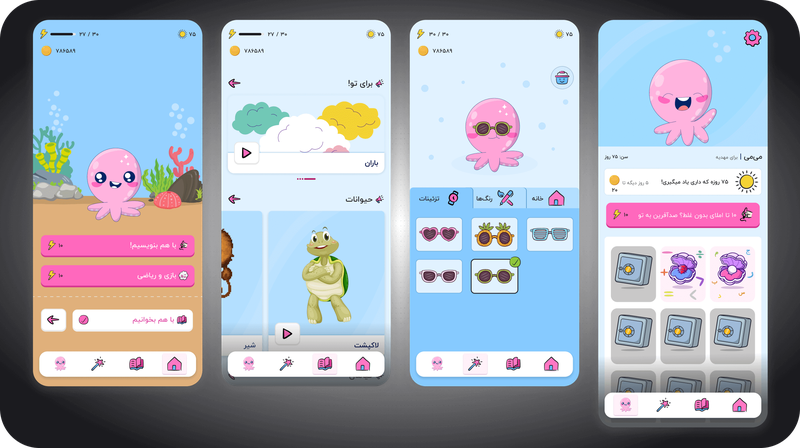
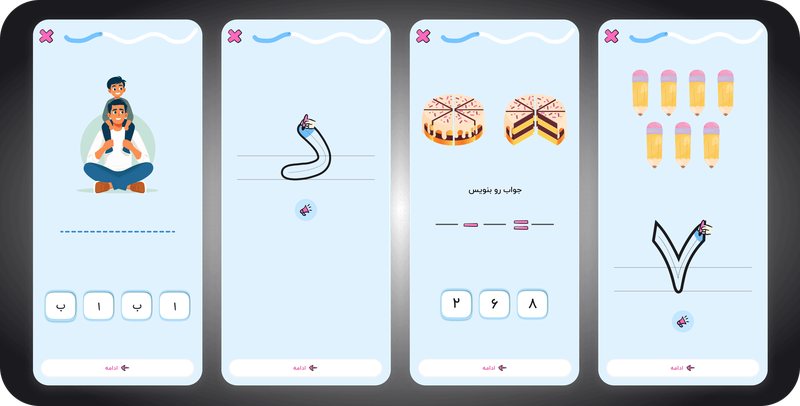
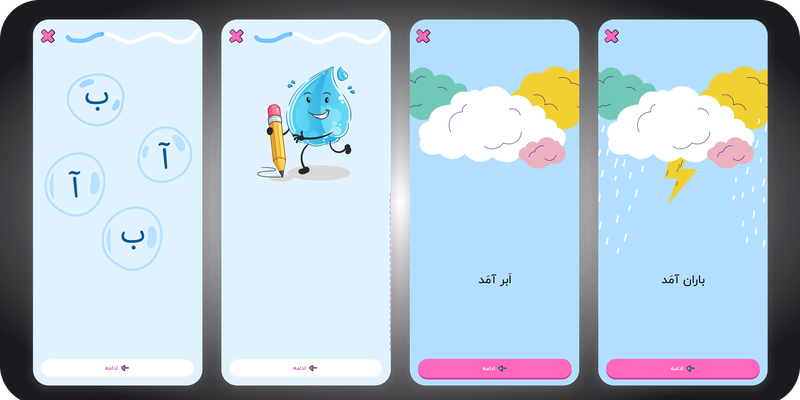
To keep kids engaged and focused, Bekhanak was made joyful and gamified. Children choose an octopus avatar, enjoy interactive stories with vibrations, and earn rewards to track progress. Exercises are touch-based, adapt to their skill, and give instant positive feedback. Big buttons, text-to-speech, and high-contrast colors make it accessible for all.
For the Teachers
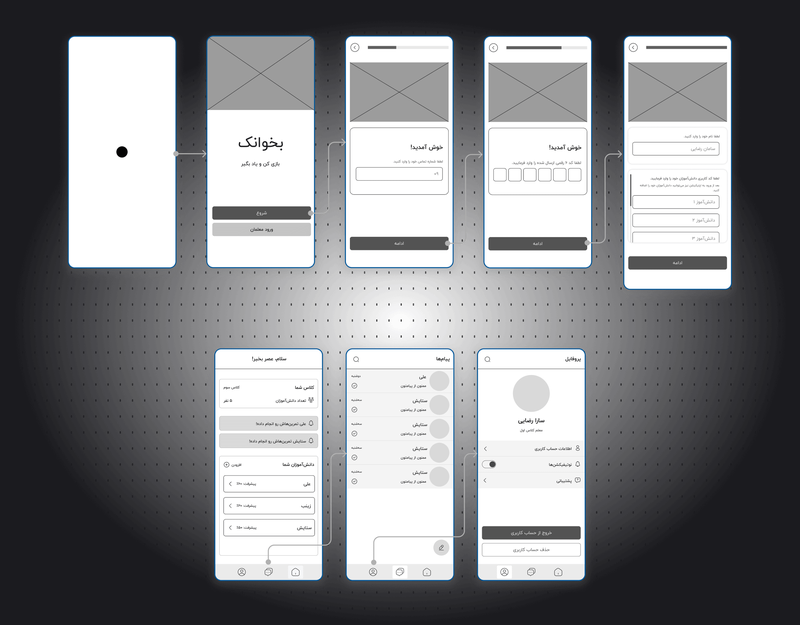
To support educators in managing their classrooms, the teacher flow provides a smooth experience. Teachers can see class information, student progress, individual strengths and areas for improvement, and even send encouraging messages directly to students. A chat feature enables direct communication with parents, and settings allow for notification customization.
For the Parents
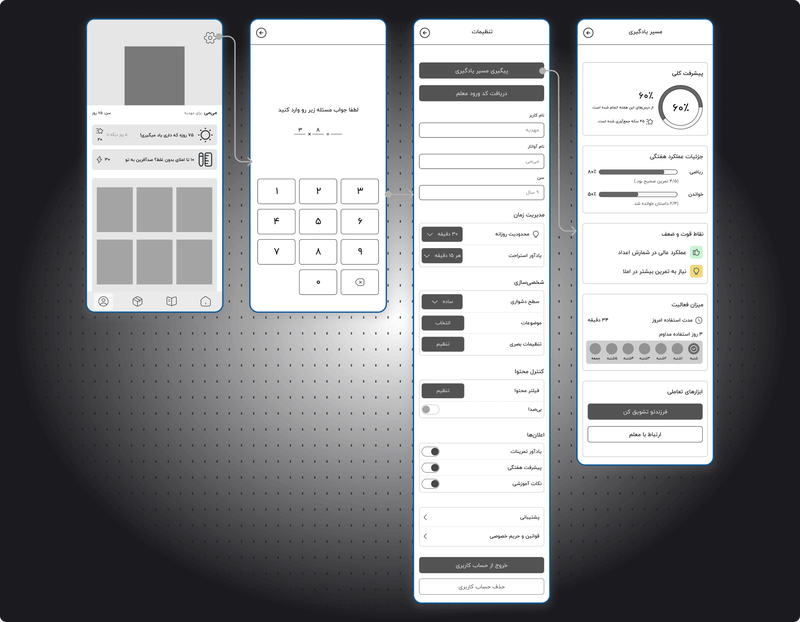
Addressing the need for connection and progress tracking, the parent flow was designed for ease and helpfulness. Parents can securely log in, set screen time limits, adjust story levels and content filters to match their child's needs, and even customize visual settings like font size. A dedicated progress page allows them to track their child's performance, rewards, strengths, and receive tips for future learning.
Testing and Refining: Real-World Validation
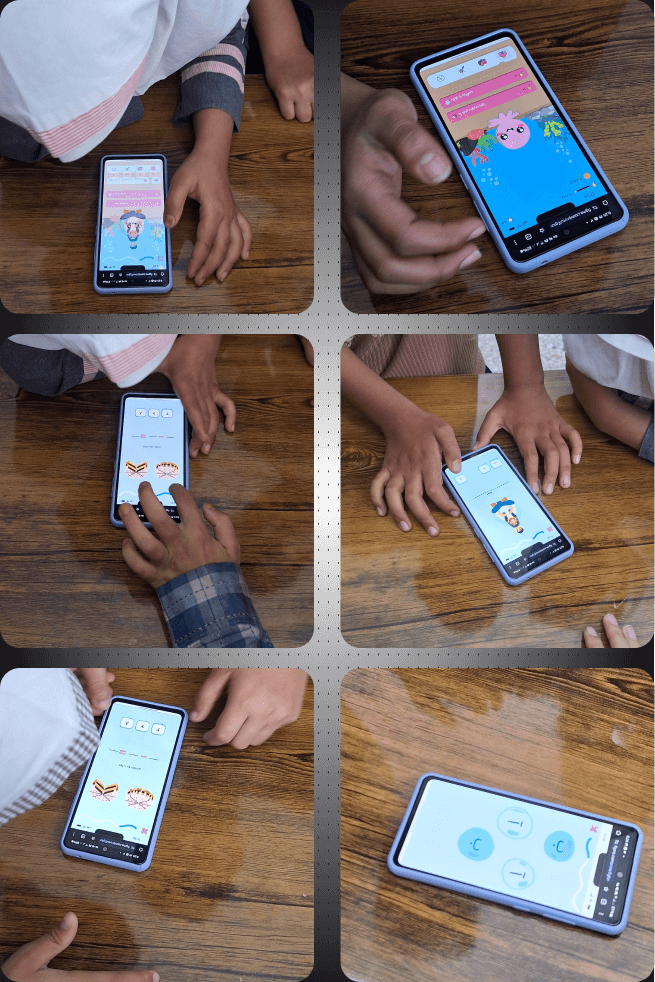
No design journey is complete without real-world testing. I created a prototype and brought it to her students and colleagues to gather invaluable feedback.
Students Feedback
The Impact: Designing for Joy and Progress
Designing Bekhanak taught me so much. Most of all, it reminded me that accessibility isn’t optional, it’s essential. Features like contrast, button size, and feedback loops aren’t “nice to have,” they’re the difference between usable and unusable for many learners.
I also learned how powerful a joyful experience can be. When kids smile while learning, it means something’s working. When a parent feels seen, when a teacher saves five minutes, that’s impact.
Bekhanak is the result of deeply listening to kids, parents, and teachers. and building something that honors their needs, their pace, and their potential.